
How to Set Up Event WiFi in NY, NJ, PA, and CT: A Comprehensive Guide
Understanding the Importance of Event WiFi
In today's digital age, providing reliable WiFi at events is crucial. Whether you're hosting a conference in New York, a wedding in New Jersey, or a trade show in Pennsylvania, attendees expect seamless internet access. Setting up event WiFi ensures that your guests can stay connected, enhancing their overall experience.
From live streaming to social media interactions, a strong WiFi connection can transform your event from ordinary to extraordinary. In regions like NY, NJ, PA, and CT, where technology is at the forefront, delivering top-notch connectivity is not just an option—it's a necessity.

Choosing the Right WiFi Provider
Selecting the right WiFi provider is the first step in ensuring successful connectivity. Consider providers that specialize in event services. They should offer scalable solutions depending on the number of attendees and the event type. In densely populated areas, the ability to handle high traffic is crucial.
Research providers in your area and read reviews from past clients. Providers with experience in the tri-state area will understand regional challenges and offer tailored solutions that meet diverse needs.
Assessing Your Event’s WiFi Needs
Before setting up, assess the specific WiFi needs of your event. Consider the number of expected attendees, the types of devices they'll use, and the activities they'll engage in online. Are they browsing, streaming, or downloading? Each activity has different bandwidth requirements.

Create a list of must-haves, such as secure connections, guest access, and support for multiple devices. Collaborate with your provider to ensure that all these needs are met, and have a plan for scaling up if attendance exceeds expectations.
Setting Up the Infrastructure
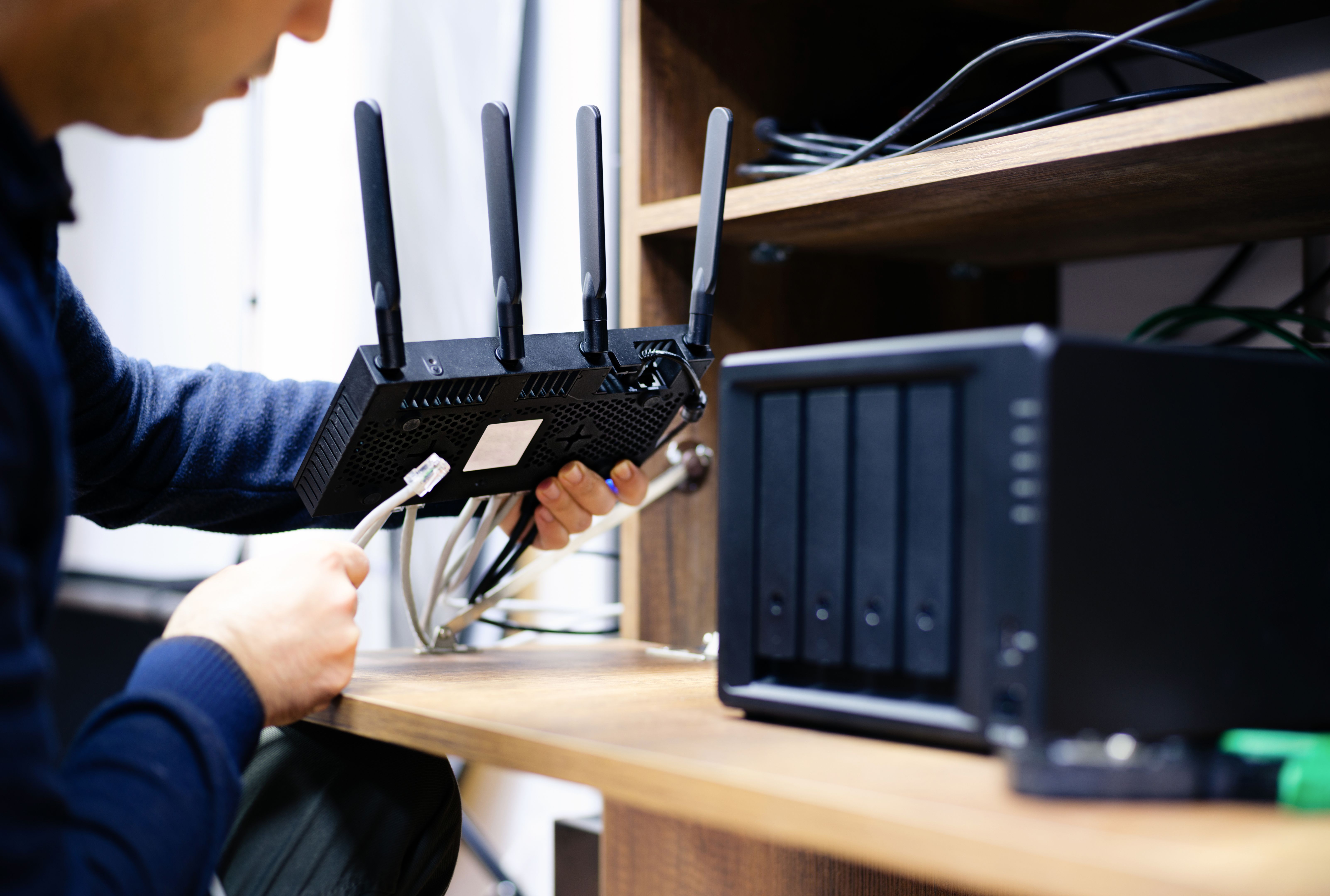
Once you've chosen a provider and assessed your needs, it's time to set up the infrastructure. This involves installing routers, access points, and other necessary equipment. Ensure that these are strategically placed to cover the entire venue without dead zones.
Conduct a site survey with your provider to identify optimal locations for equipment. In areas like New York City, where buildings can interfere with signals, careful planning is essential to maintain consistent connectivity.
Testing and Troubleshooting
Before the event, conduct thorough testing of the WiFi network. Simulate the event conditions by connecting multiple devices and running bandwidth-heavy applications. This will help identify potential issues and allow time for troubleshooting.
Have a technical support team on standby during the event. Quick response to any connectivity issues will ensure that attendees remain satisfied and engaged.
Enhancing Security and Privacy
Security should be a top priority when setting up event WiFi. Implement strong encryption protocols and require passwords for access. This prevents unauthorized access and protects sensitive information shared over the network.
Consider setting up a guest network separate from your main network. This adds an extra layer of security, keeping your main operations safe while still providing access to attendees.

Post-Event Evaluation
After the event, evaluate the performance of your WiFi setup. Gather feedback from attendees regarding connectivity and any issues they encountered. This information is invaluable for future events and helps in refining the setup for better performance.
Reviewing data usage and connection logs can also provide insights into how the network was used, allowing for adjustments and improvements in future setups.